How To Create Blog Posts That Rank On Google In 2025
We may earn money or products from the companies mentioned in this post.
How To Create Blog Posts
Welcome! If you’ve ever stared at a blank screen, unsure where to begin, you’re in good company.
Every blogger has faced that moment of hesitation.
The truth is, writing a blog post that truly connects with readers doesn’t start with fancy words—it starts with a simple plan and a clear message.
The good news is that anyone can create blog posts that people actually want to read.
With the right approach, your posts can become more than just words on a page—they can answer real questions, provide value, and even show up in Google searches where your audience is already looking for solutions.
That’s where having the right tools and training makes all the difference.
I’ve personally used Wealthy Affiliate, a platform that not only teaches you how to build a blog but also shows you how to rank it in Google step by step.
Whether you’re brand new or have been blogging for years, having a proven system behind you can take away the guesswork and give your posts the attention they deserve.
In this guide, I’ll walk you through how to create blog posts step by step.
You’ll see how to choose the right topic, structure your content, and make sure it’s optimized so readers and search engines love it.
By the end, you’ll feel confident about hitting publish, knowing your work has the best chance to be seen and appreciated.
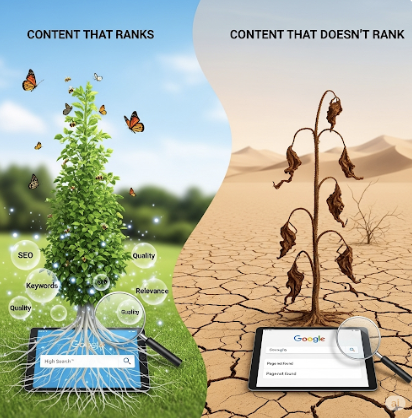
Why Most Posts Don’t Rank (And How Yours Will)
Here’s the hard truth: most blog posts never get meaningful traffic.
Why? Because they miss the basics that matter most. Instead of helping the reader solve a clear problem, they wander off-topic.
Instead of using proper headings and clean formatting, they publish walls of text that overwhelm people before they even begin reading.
And instead of paying attention to SEO, they write without considering what people are actually searching for.
Another common mistake is treating a blog post like a personal diary entry.
While your story and voice are important, readers come looking for answers, tips, or step-by-step help. If they don’t find what they need quickly, they’ll click away.
Add slow site speed or a lack of internal links, and Google has little reason to rank the post higher than thousands of others.
The truth is, success doesn’t come from publishing dozens of half-baked posts.
It comes from publishing fewer, well-structured posts that serve both your audience and search engines.

The good news? Ranking isn’t magic.
You don’t need to guess or churn out dozens of weak posts. You need a playbook that walks you through planning, writing, optimizing, promoting, and refreshing content with purpose.
That’s exactly what this guide gives you.
Know the Reader’s Job (Search Intent First)
When you sit down to write, the first thing to figure out is what the reader is really looking for. That’s what search intent means—it’s the job your content has to do.
Are they trying to learn something, compare options, or make a purchase? If your article doesn’t match that need, it won’t rank well no matter how many keywords you stuff in.
Google’s goal is to connect people with the exact answers they’re searching for, and your job is to make sure your content delivers those answers clearly and completely.
Identify the problem
Every Google search has a job behind it. Your task is to uncover what the searcher wants right now. Are they looking for a quick answer, a detailed guide, or a product comparison?
Read the SERP
Look at the current results. If listicles dominate, a single-paragraph answer won’t rank. Check the “People Also Ask” questions and featured snippets—Google is showing you what people value most.
Choose the angle
Decide whether your content should serve beginners or advanced readers.
Will you deliver a fast-action checklist or a comprehensive walkthrough?
The right angle ensures your post stands out.
Outcome: Write one line that sums up the intent. For example: “This post will show beginners how to structure and optimize a blog post to rank in 2025.”
Build a Keyword Map (Clusters, Not Single Terms)
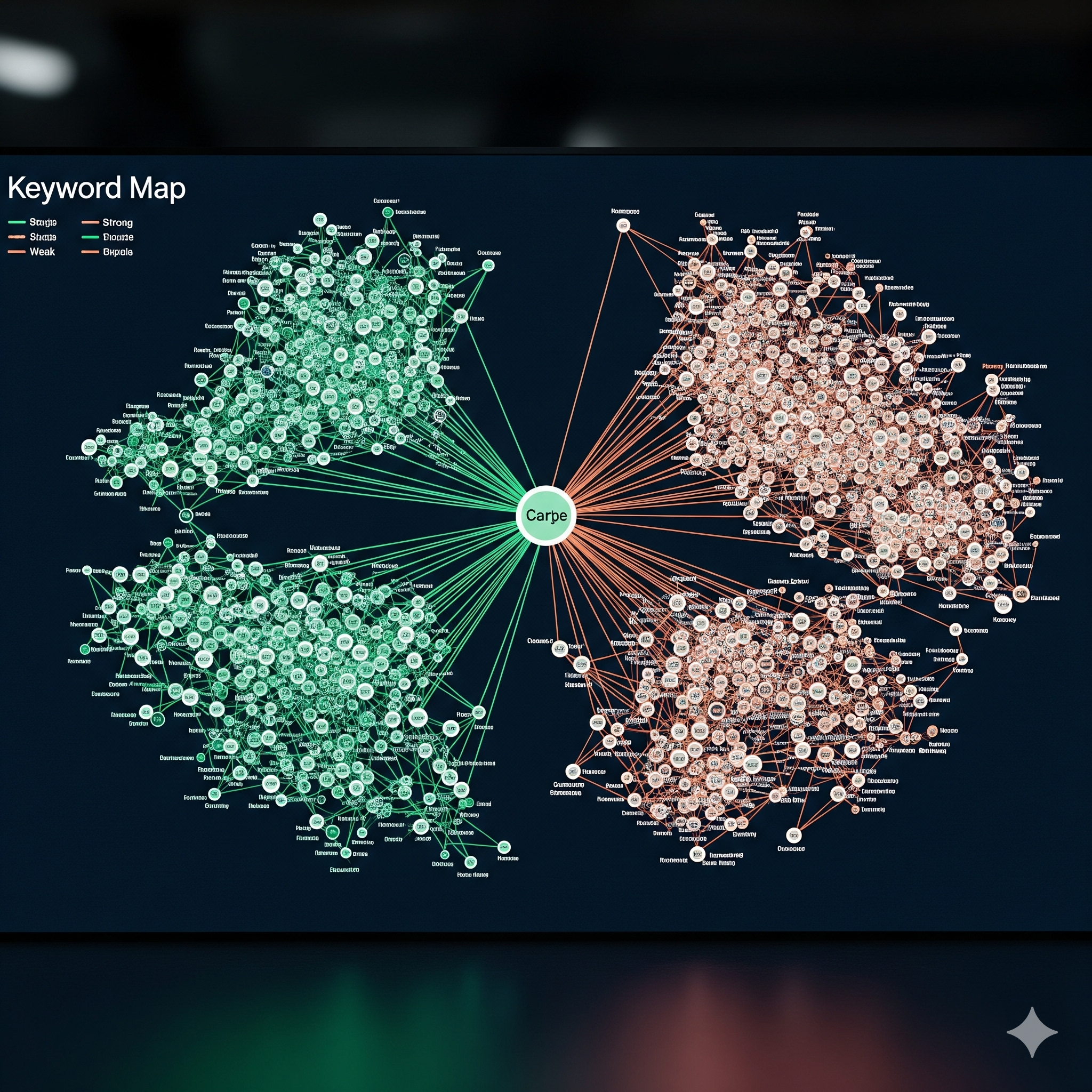
Create a cluster
Forget chasing a single keyword. Instead, build a cluster: your primary keyword plus 10–15 long-tail variations, related entities, and questions from PAAs.
Group by section
Decide which terms belong in which H2 or H3. For instance, “blog SEO checklist” fits naturally under on-page optimization, while “keyword clusters for blogs” works in this section.
Avoid cannibalization
Check your existing posts. If another article already targets the same head term, adjust your focus or merge content. One clear target per cluster is safer than competing with yourself.
Tip: Write in natural language. Let keywords flow into sentences instead of forcing them.
Write a Tight Content Brief
What to include
A brief should cover your target audience, the promise you’ll deliver, your section outline, competitor examples, and what unique proof you’ll add (screenshots, case results, stories).
Time box
Set a drafting window—say, 90 minutes for the first draft—and a revision window the next day. It keeps you focused and prevents endless tinkering.
Deliverable: A one-page content brief you can reuse for future posts.
Outline That Scans in Seconds
Skeleton example
Intro → 5–7 H2s → H3s under each → FAQ → CTA. This structure is reader-friendly and SEO-friendly.
Use descriptive subheads
Each subhead should promise a result. Instead of “SEO Tips,” write “Fix Crawl Issues So Google Can Index You.”
Add jump links (optional)
If your post is long, add a clickable table of contents. It improves user experience and can even get you a sitelink snippet in search.
Write the Hook and Thesis
Hook options
Open with a surprising stat, a relatable question, or a short story. Example: “More than 90% of blog posts get no traffic. Here’s how to make sure yours isn’t one of them.”
Thesis
State clearly what the post will deliver and how fast. Keep it short, confident, and realistic.
Draft the Meat With Real Proof (E-E-A-T)
Show, don’t tell
Don’t just say “optimize titles.” Show a before-and-after example. Include screenshots or tool settings you’ve tested.
Add numbers
Use benchmarks: “Reducing page load by 2 seconds cut bounce rates by 20%.” Simple stats prove your advice works.
Add clear steps
Write in numbered instructions so the reader can take action immediately. When people get results, they trust you—and so does Google.

On-Page SEO for This Single Post
Title/H1
Lead with the outcome: “How to Write Blog Posts That Rank in 2025.” Use your primary keyword once, naturally.
URL
Keep it clean: /how-to-write-blog-posts-that-rank-2025/.
Headings
Place secondary terms in subheads where they fit. Don’t force it.
Images
Use descriptive file names and alt text that reads like a caption, not a keyword list.
Internal links
Add 3–5 links to related guides. Then, go back and edit 5 older posts to link to this one.
External links
Cite 1–3 authoritative sources (Google Search Central, major SEO studies).
Schema
Use Article schema and FAQPage schema if you include FAQs.
Readability and UX Polish
Short paragraphs
Two to three sentences max. Nobody wants a wall of text.
Lists and pull-quotes
Break up content with bullet points, quotes, or key takeaways in bold.
Images every 400–500 words
Screenshots, graphics, or simple checklists keep readers engaged.
Mobile check
Test your post on your phone. Fonts should be readable, spacing clear, and no intrusive popups blocking content.
Add Helpful Media (Not Filler)
Screenshots
Show the tools or steps you’re using. Proof beats theory.
Chart or checklist
Give readers something they can save or print.
Short video or GIF
If a step is complex, a 20-second clip can do what 200 words can’t.
Publish Day Checklist
- Finalize your title and meta description.
- Test every link.
- Compress images.
- Add descriptive alt text.
- Generate a table of contents if you use one.
- Preview on both desktop and mobile.
- Add a canonical tag if needed.

Promote for the First 72 Hours
Email your list
Send a short teaser and one key takeaway. Invite them to read.
Social snippets
Write 2–3 quick posts with different hooks. Post them on X, LinkedIn, or Facebook.
Internal link sweep
Update 8–10 older posts to point toward your new one. It signals importance to Google.
Outreach light
Share the post with one peer, group, or community that will actually care.
Refresh Schedule: Day 30, 60, 90
- Day 30: If your CTR is low, test a sharper title/meta. Add a question from PAAs.
- Day 60: Expand a thin section and add another internal link.
- Day 90: Update dated examples, add a new stat, and refresh visuals.
The goal isn’t one-and-done publishing—it’s steady gains over time.
Measure What Matters
- Google Search Console: Track impressions, clicks, and queries in positions 8–20. These are close wins.
- GA4: Watch engagement time, scroll depth, and top exit pages.
- Fixes: Rewrite titles for better CTR, strengthen weak sections, and add internal links from strong pages.
Common Mistakes to Avoid
- Writing before checking search intent.
- Publishing giant blocks of text with vague headings.
- Skipping internal links.
- Over-optimizing titles or alt text.
- Publishing once and never updating again.
CTA: Your Next Step
Want to make this process even easier? I’ve put together a free SEO Content Brief Template to help you structure every post like a pro.
If you’re ready for bigger wins, check out my Site-Wide SEO Checklist article—it shows you how to scale these steps across your whole blog.
And I’d love to hear from you: what’s the one question you still have about writing posts that rank? Drop it in the comments.
✅ Pros and ❌ Cons
Pros
- Intent-first planning: Higher chance to match what searchers want.
- Keyword clusters: Rank for many related terms, not just one.
- Tight brief + outline: Faster drafting and clearer structure.
- E-E-A-T proof: Screenshots, steps, and examples build trust.
- On-page checklist: Titles, URLs, images, schema done right.
- Internal links: Lifts discoverability across your site.
- 72-hour promotion plan: Early traction without spamming.
- Refresh cycle (30/60/90): Keeps rankings improving over time.
Cons
- Time commitment: Research, outlining, and editing take effort.
- Learning curve: Clusters, schema, and GA4 need a little practice.
- No instant wins: Google signals build over weeks to months.
- Consistency required: Refreshes and link sweeps are ongoing.
- Tool overlap risk: Extra tools may duplicate features you have.
- Competition shifts: SERPs change; angles must be adjusted.
- Proof assets needed: Screenshots/charts add work but matter.
- Data-driven edits: You’ll need to watch CTR, depth, exits, and fix.
❓ Frequently Asked Questions
How long should a ranking post be?
As long as it takes to fully satisfy search intent. Depth beats word count every time.
How many keywords per post?
Focus on one main topic supported by 10–15 natural variations, entities, and related terms.
Do I need images?
Yes. Images improve clarity, break up text, and keep readers engaged longer. Aim for 1 every 400–500 words.
How soon can a post rank?
Early signs can appear in weeks, but stable rankings usually take a few months of consistency and refreshes.
Should I update old posts or write new ones?
Do both. Start by refreshing your top-performing posts, then add new content to expand your reach.
Can AI tools help me write posts that rank?
AI can help with outlines, drafts, and keyword research, but you’ll still need your own voice, examples, and proof to stand out.
How important are internal links?
Very. Internal links guide Google through your site and help distribute authority. Add 3–5 links out and 5 links in for each post.
Ready to put this playbook into action?
Wealthy Affiliate gives you the step-by-step training, keyword tools, hosting, and community support you need to create blog posts that rank on Google in 2025.
You don’t have to figure it out alone—start free, build your first site, and see results with guidance every step of the way.
I would much appreciate it if you could kindly leave your comments and questions below.
Thank You For Stopping By Once More
Thanks for reading my article
Till The Next Time
Elke 😀